Posts tagged Macbook
What a Wonderful Time to Need a MacBook

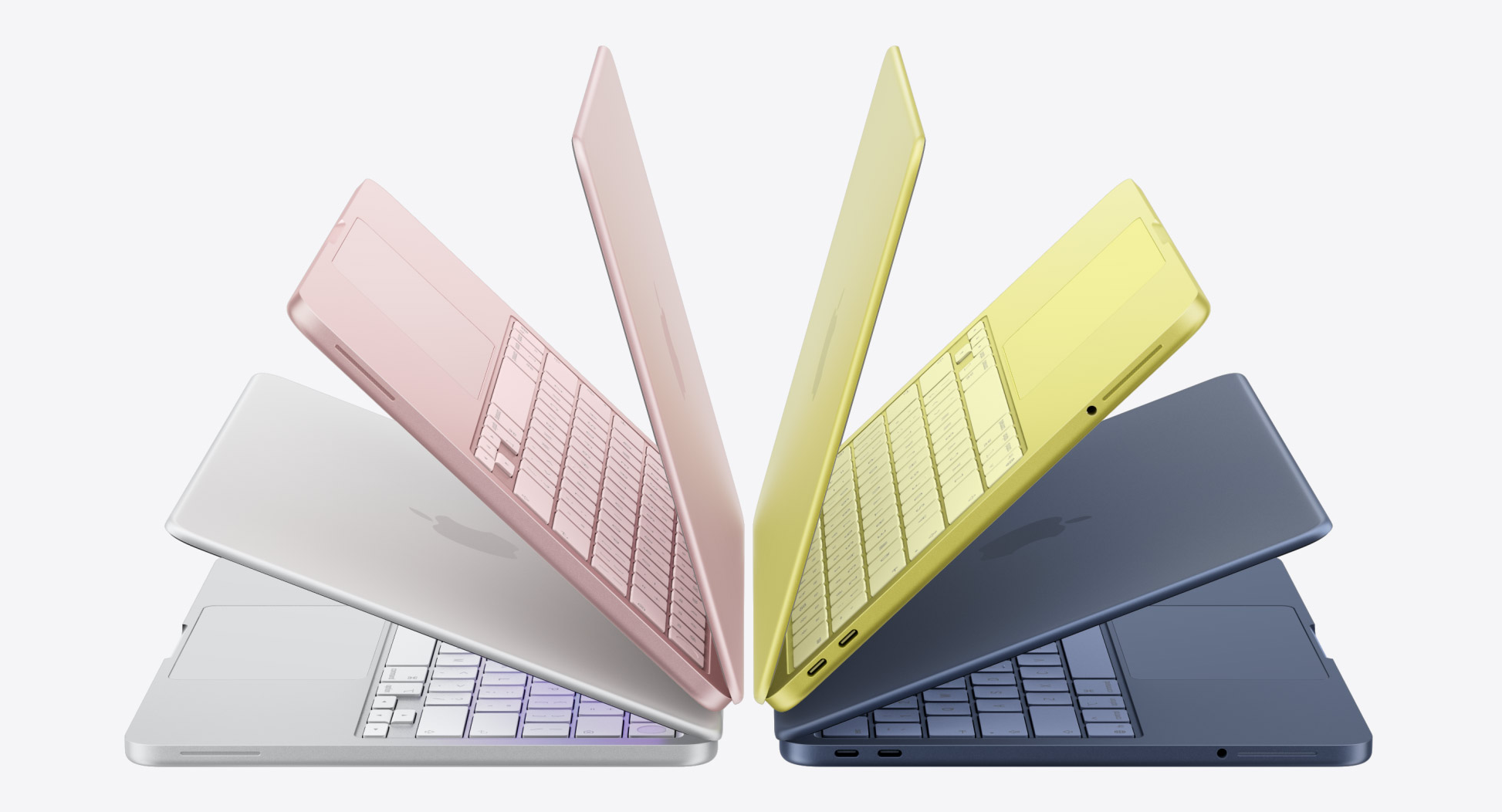
The new MacBook Neo. Image from Apple.

I was not optimistic about this year in technology. For good reasons. Companies like OpenAI and Anthropic are buying up every sing RAM chip they can to face their ever-growing processing demands for an industry that is growing like a hockey stick on the chart. Cloud processing demands because of how much we've become dependent on AI have increased 1 million fold in the last decade. NVidia expects to sell over $1 trillion in GPUs by 2030.

All of this means and could mean that your personal computer could double in cost by the end of 2026. A couple of sticks of RAM to upgrade your gaming PC that cost $140 in August 2025 now cost around $400. If you were looking to get a computer in 2026, my advice to everyone was to do it sooner rather than later.

Then Apple announced the Macbook Neo last week. And because I had a few old Mac laptops to trade in, I'm now a proud owner of an Indigo Neo (sounds like a 90's cover band).

If you rewind just to 2018, the Macbook line didn't look that great. That's actually being generous - it was kind of a disaster. The touchbar Mac was the one everyone hated, Intel CPUs were lucky to be updated every 2-3 years and weren't really holding their own against PCs, and the keyboards on Macs were failing right and left, costing customers lots of time and Apple millions of dollars. I had to send my 2016 Macbook in for repair just for the keyboard and it ended up being a 22-day debacle that nearly pushed me to Windows. Nearly.

But as I sit here today typing on my iPhone-chip powered blue Macbook that cost me less than $600 (technically $0 with trade-ins), I can't help but laugh. Seven years after the uncertainty of the late-2010's for the Mac, it has never been a better time to need a Macbook.

I've only had the Macbook Neo for a few days, but it's such a joy. The screen and trackpad alone are better than you would find in $1,000+ PC laptops. The keyboard is bouncy and has the perfect amount of travel. The blue Indigo colorway is bold without being silly. And the performance from the iPhone A18 Pro chip inside this thing is amazing.

It has yet to stutter with one app so far. Now, I haven't edited video or audio on this, I haven't tried Photoshop - but this laptop isn't built for that. This laptop is for moms, college students, and senior citizens. This laptop is the perfect gateway for someone who's been on PC their whole life. Or it could be the perfect gateway to creativity for someone to buy a more powerful laptop down the line.

Speaking of more powerful laptops, Apple isn't resting on its laurels. They also introduced the Macbook Air M5, which could be absolutely perfect for creators on the go. The M5 chip can handle almost every sort of media and graphics editing you could throw at it and would only slow down on the heaviest of workloads. The Macbook Pro with the M5 Pro and M5 Max chips? Forget it. I daily use an M3 Pro that's over two years old now and it hardly has any slowdown issues - you won't have any issues with the M5 Pro and Max chips.

Back to the Macbook Neo - if you've seen it advertised and seen the price tag and been intrigued, and you have a need to update your computer or tablet, just get this. Fun colors, amazing form factor, and solid performance make this the best Mac you can buy. And if you need more power, you know who you are, and you know what you need to go get.

This is the Apple product I wish I'd had in college. It's hopefully one that will be a nice workhorse for me for years to come. It doesn't matter how "disruptive" this laptop is, it matters how many customers buy it, and in turn use it with satisfaction. And I believe that Apple will sell these for a long while.

Review: The New Macbook, and Why It Might Be The Perfect Tool for Ministers (In Two Years)

I've recently had a chance to spend some time with one of Apple's new Macbooks. That's right, just Macbook. No Macbook Air, no Macbook Pro. Just Macbook

It's clear that Apple is pushing the envelope and showing us the future when it comes to this new machine. After spending some time with it, I could say that it might be the perfect tool for any minister of any type. 

First off, the specs. The new Macbook sports a 12-inch display that has 2304 x 1440 resolution at 226 pixels per inch. Basically that means it's Retina quality, meaning that from a standard viewing distance, you won't be able to distinguish any individual pixels. The screen, as you would expect on any Apple product, is fantastic. Colors are bright and there is no ghosting or glitching that you might see with cheaper panels. 

The machine does not have any type of optical (CD/DVD) drive. This is nothing new, since Apple stopped putting optical drives on their machines over 5 years ago. 

What is new is the ports, or lack thereof. There are only two ports - a reversible USB-C (think Lightning connector, but slightly bigger) and a headphone jack. That's it. More on that in a minute. 

There are only two configurations offered, both of which have only 8GB of RAM included. There is a 1.1 GHz option, and a slightly faster 1.2 GHz model. I was only able to test the 1.1 GHz model, and I did not notice any lagging or sputtering, especially when scrolling fast on a big website with lots of images. It was actually pretty impressive. In the new Photos app, scrolling fast was smooth as silk. I couldn't get the machine to actually stutter at all until I had 8 tabs open in Safari, all playing HD Youtube videos. At only 1.1 GHz (I currently use a 2.4 GHz Macbook Pro) I fully expected it to stutter and slow down, but it was pretty resilient in all of my tests. And coming from a machine on which I've had 8GB of RAM for the last two years and work heavily in Photoshop, Illustrator, and Final Cut, the 8GB is very acceptable, especially if you're not doing those intensive processes. 

The 1.2 GHz model that's $500 more doesn't just give you an extra bump in power, but it gives you twice the storage with a 512GB SSD. Apple claims that the new SSDs have twice the speed, and I wouldn't doubt it. Given my tests with BlackMagic Disk Speed Test, I'd say they were correct. Which brings me to an interesting point: we may look at the processor speed and say, "Wow, that is low. Not enough power for me." But unless you're working in Photoshop or Final Cut, this machine will be fine for your tasks: note taking, web browsing, watching videos, light photo editing, and even light video editing. 


The Cons


As stated before, Apple is really throwing the future in our faces with this new Macbook. Their relentless pursuit of thinness and simplicity is almost detrimental to the overall success of this new laptop. 

USB-C is the only port offered. For ministers who want to travel and present with this machine, that creates a problem. Mac users are accustomed to traveling with adapters for VGA for connecting to projectors, but this lone port brings about a whole new set of problems. 

First, the one port is where you power the machine as well. Granted, Apple claims 10 hours of battery life and, according to reports, it gets that and more, but the *last* thing you need is your computer dying in the middle of a presentation. 

Second, the cost for adapters is high. I expect there will be plenty third-party adapters in the near future, but right now, Apple themselves can't even guarantee you one of theirs until June. 

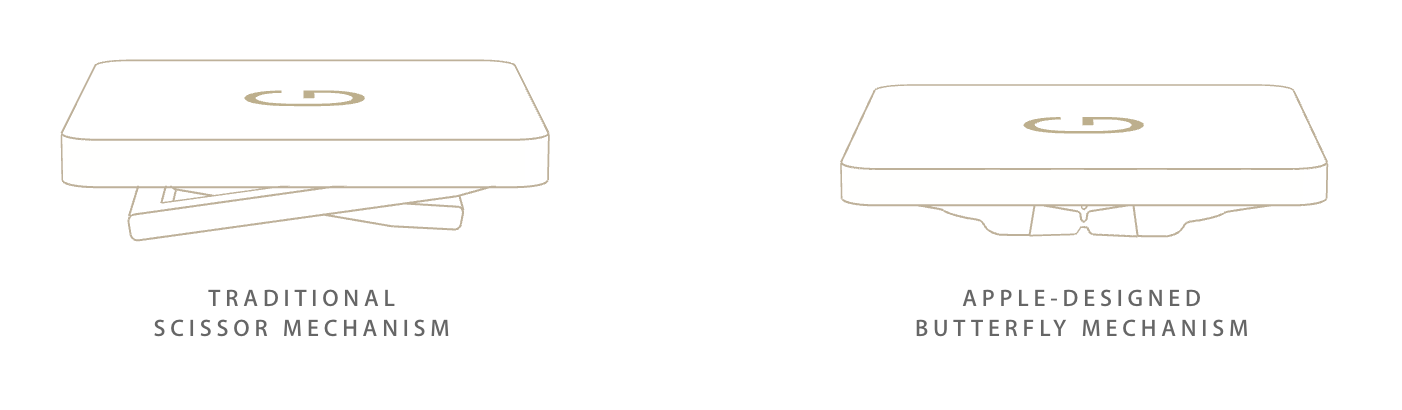
The keyboard is the next problem, but it may not be an actual problem. I would describe the keyboard as frustrating and extraordinary at the same time. It will take some getting used to, for sure. Because of the thinness of the machine, Apple had to basically invent a new way for keys to be depressed. It's innovative, and it offers up a full-size keyboard, but the key travel is so short that it feels more like typing on the glass of an iPad screen rather than a Macbook. I think that after a couple of days of typing on it that I would get used to it, and even like it. But for those of us ministers who do a lot of typing, it may be problematic and frustrating. 


The Pros


Portability. This is the thinnest, lightest Macbook ever made, and probably the thinnest and lightest in the world. That means you can take it anywhere. If you've always struggled with an iPad trying to get what you need done, to type fast on it, or have great portability like an iPad, the Macbook is for you. It's basically an iPad with a keyboard attached to it, but it runs OSX. 

Design. Apple shines again with this design, pushing the limits of what is possible in portable computing. The new Macbook is also available in iPhone colors: gold, silver, and space gray. I personally find the space gray extremely attractive.

Force-Touch Trackpad. Also available on the new 13-inch Macbook Pro, the Force Touch Trackpad features Apple's patented Taptic Engine and makes you feel as though you're physically clicking, but you're not. Your mind will play tricks on you when you use this. It's a great feature and it's going to be wonderful to see what they can do with this in the future. 


So all in all, would I recommend this new Macbook if you're in the market for a new Mac right now? Sadly, no.


The one thing that holds this machine up for ministers is USB-C, and the lack of current support for the platform. Ministers will need to plug a variety of things into their laptops, and until the support for USB-C becomes more widespread, I can't recommend this machine at this time. If Apple had shipped this Macbook with just one other regular USB 3.0 port, that would have changed my mind. For me, and looking at what most ministers are going to use this machine for, that's a dealbreaker. You can get around the lack of processor speed with a speedy SSD and 8GB of RAM, but you can't overcome the frustrations of having to daisy-chain multiple adapters together just to connect to a projector, connect to power, and have a USB thumb drive running at the same time. 

In 2 years, however, as USB-C becomes a standard, I see this being the ultimate minister's computer. 

What do you think? Do you agree with my review? Sound off in the comments.

College Computer Buyer's Guide 2014

I am always getting tons of questions around this time of year from parents and students who are heading off to college and they ask me what compute they should buy. My main question is to ask them, "What are you going to use it for?" And English major writing tons of papers isn't going to need the same processing power that an Engineering major might need. 

So, I decided to come up with a simple and straightforward buyers guide for college students. It's not as detailed as I would like, but it will certainly point you in the right direction when buying a computer for your soon-to-be college student. 

Click the image for a larger view or download the PDF to your computer or device